Configure the profile#
Open Options and establish the values that other tools use before connecting equipment.
- In General, enter the observing latitude, longitude, elevation and time zone. These values drive altitude charts, twilight times, target visibility and FITS/XISF site metadata.
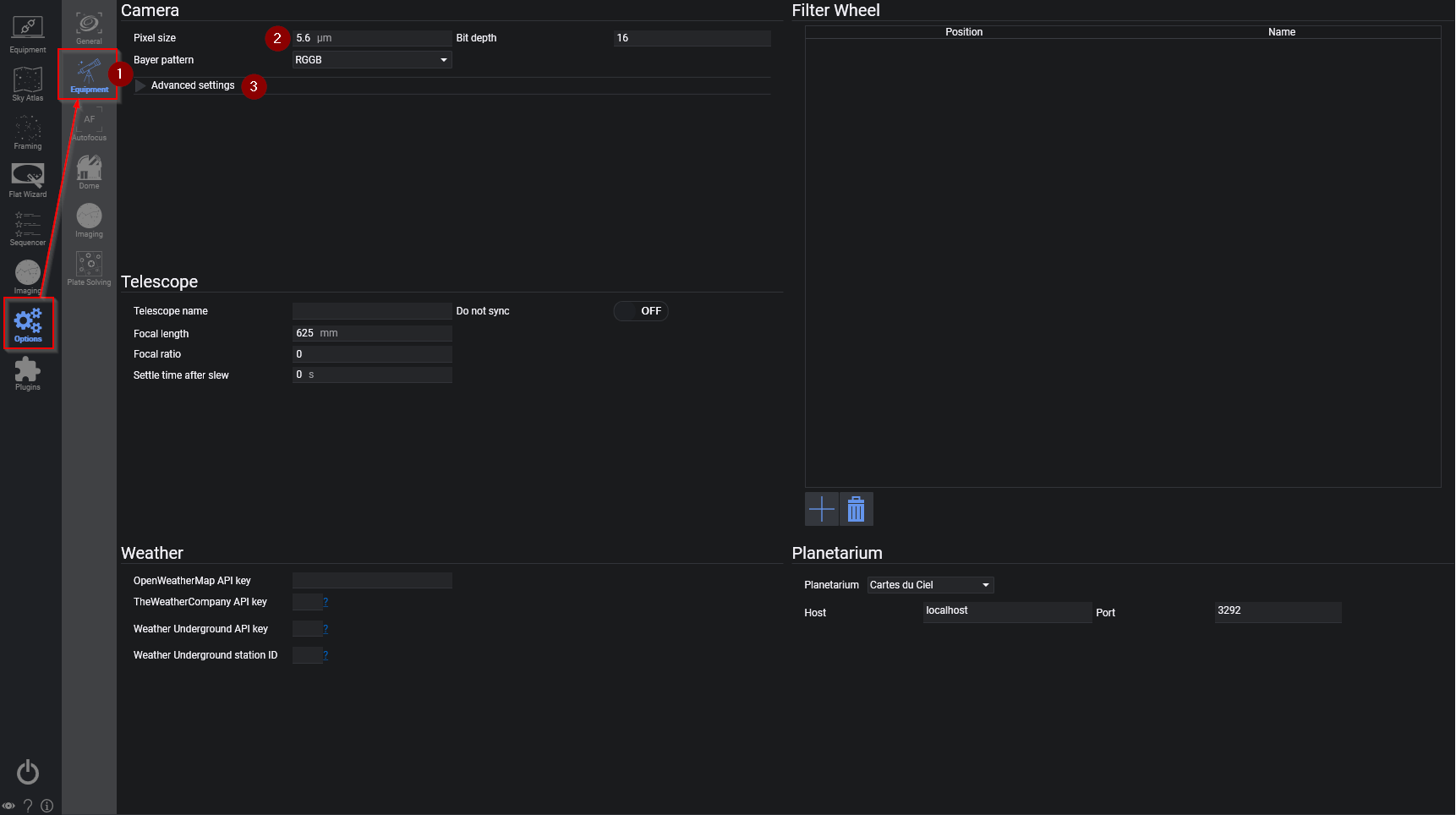
- In Equipment, verify camera pixel size and telescope focal length. These values determine image scale and the framing rectangle. Most drivers provide camera bit depth automatically; native DSLR drivers may need the sensor value entered manually.
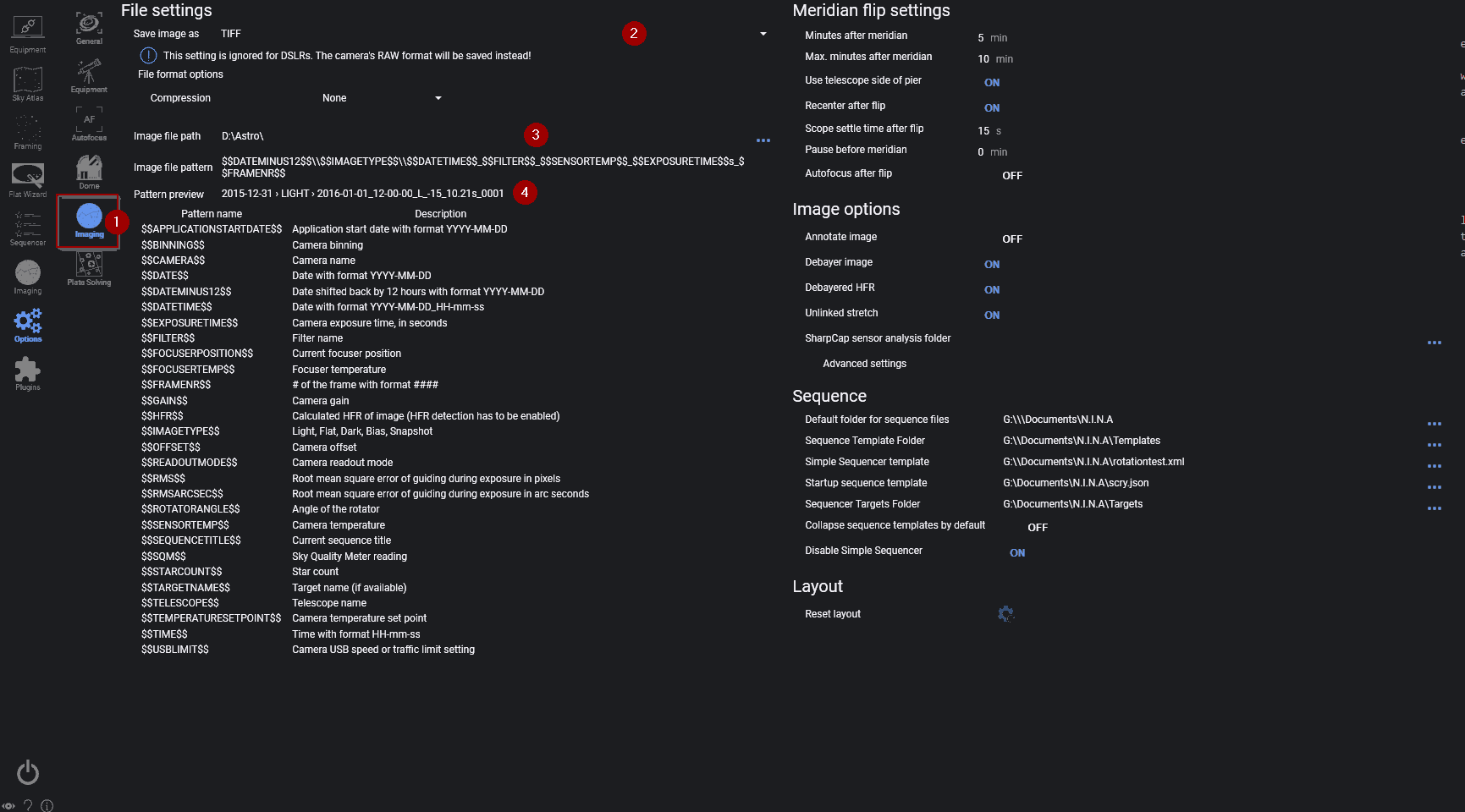
- In Imaging, choose the image directory, file format and file-name pattern. Use the preview below the pattern to make sure a night's files will be unique and sortable.
Before an automated session, also configure:
- a primary and blind plate solver
- a guider, if the rig guides
- autofocus, if the rig has a motor focuser
- meridian flip timing for a German equatorial mount
Keep all of these settings in the same profile. Switching profiles changes the complete equipment and automation configuration, not just the device list.